Tech
iOS 26’s new Messages feature got better when I changed this one…
Apple’s Messages app got a bunch of new features in iOS 26, including a ‘Screen Unknown Senders’ option meant to eliminate spam texts. My initial experience with the feature wasn’t great, but tweaking one key setting has changed that. ‘Screen Unknown Senders’ filters your Messages for spam As part of the variety of new iPhone […]

Apple’s Messages app got a bunch of new features in iOS 26, including a ‘Screen Unknown Senders’ option meant to eliminate spam texts. My initial experience with the feature wasn’t great, but tweaking one key setting has changed that.
‘Screen Unknown Senders’ filters your Messages for spam

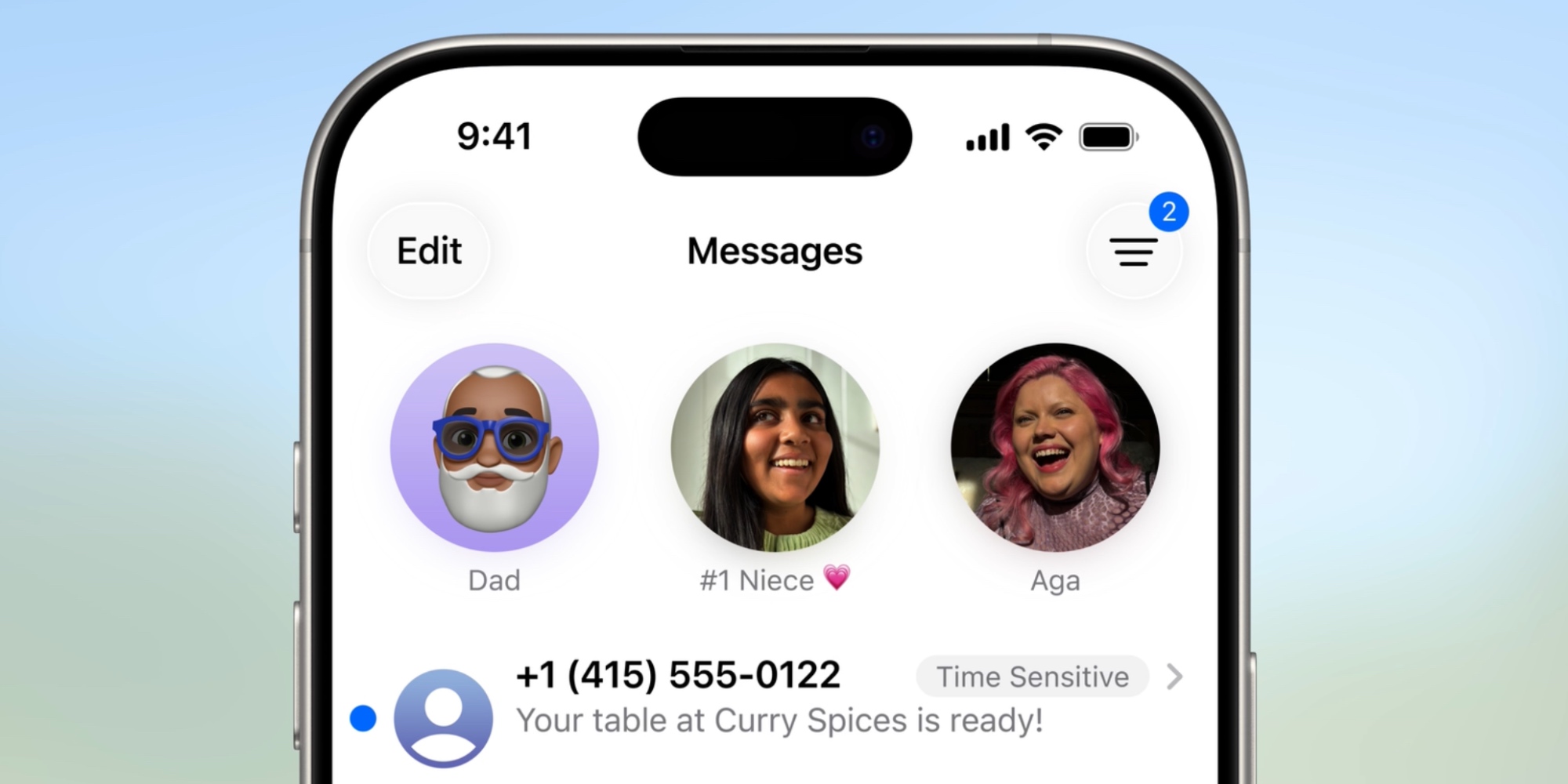
As part of the variety of new iPhone features in iOS 26, Apple sought to eliminate spam calls and texts.
The Phone app gained new call screening tools, and in Messages, Apple…
Source link